

BigTreeTech Pad 7 with Pre-installed CB1 Core Board for Running Klipper
$249.00 AUD
Skip to product information

Out of stock


BigTreeTech Pad 7 with Pre-installed CB1 Core Board for Running Klipper
$249.00 AUD
GST includedShipping calculated at checkout.
Sale ends in
--
Days
--
Hours
--
Mins
--
Secs
Order in
H, M,
Seconds
(before 1pm Sydney time) for same day despatch.
Pickup availability
1/80 Somersby falls RD, Somersby NSW
Unavailable for pickup
SKU:
26792
Shipping Weight:
1200g
W/H:
U-04-A-01
Categories:
BigTreeTech, Voron Kits & Replacement Parts Australia
Are you looking to buy a BigTreeTech Pad 7 with Pre-installed CB1 Core Board for Running Klipper in Australia?
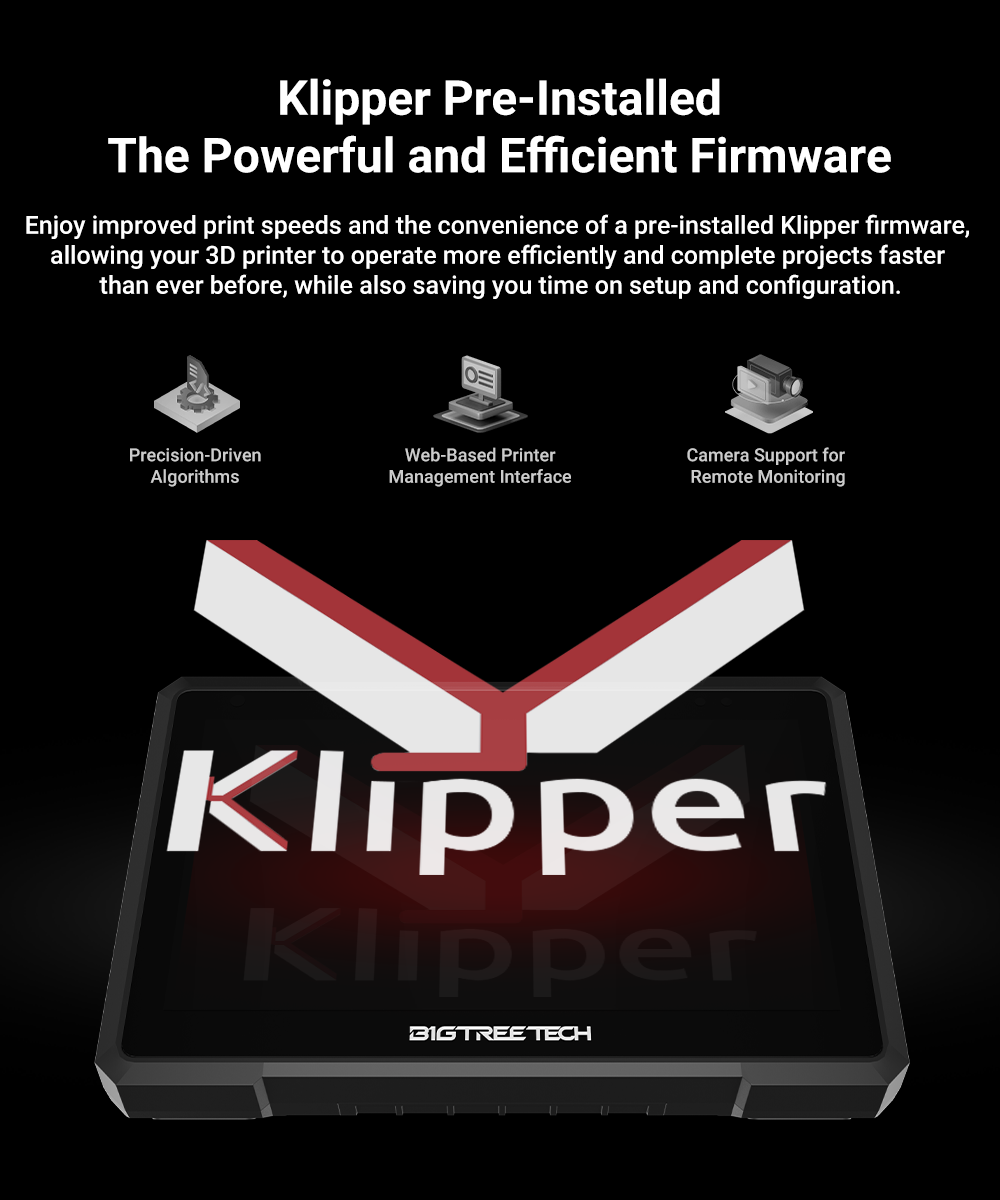
The BIGTREETECH Pad 7 is a 7-inch IPS touchscreen tablet designed specifically for 3D printing enthusiasts. It comes with Klipper and KlipperScreen pre-installed and features a high-quality 7-inch IPS touchscreen. Also, it is not only a Klipper screen but also a mini-computer. The built-in CB1 Core Board can be detachable, you can replace it with CM4 and make it a mini-computer.
Product Features
- Improve print quality and speed. Equipped with an ADXL345 accelerometer, it will help improve printing speed and quality remarkably, allowing for faster, more precise, and more reliable 3D printing.
- Adaptive light screen to protect eyes. The brightness of the screen varies according to the brightness of the environment it is in.
- DIY Friendly, replaceable built-in CB1 core board. We provide CB1 OS Image as well as source code and other files, so you can edit code and install it on your 3d printer. Or you can choose to replace the CB1 with CM4 and upgrade it to Linux so it can even be a mini-computer.
- Various interfaces. The tablet supports various interfaces such as USB 2.0, Ethernet, CAN, and SPI, and comes with a SanDisk 32 GB memory card for storage.
- Wide compatibility. The screen itself can compatible with almost all FDM 3d printers. In addition, this screen is also compatible with BIGTREETECH SKR, Octopus series motherboards, EBB tool boards, etc.




Browse more
- Browse all BigTreeTech
- Browse all 3D Printing
- Browse All Voron
- Browse All Printer Spare Parts